Most of my recent development has happened on my phone, not because phones are good development environments but because I am usually doing something else that needs me present. Watching my kids in a playground, commuting to and from work, standing at a school gate. The hours I once lost to low-density parenting or commuting I now spend working on the systems this site describes, talking to an agent that runs on a Mac Mini at home.
The phone-to-Mac-Mini bridge has gone through five shapes. Each one replaced the previous once it had become the limiting factor.
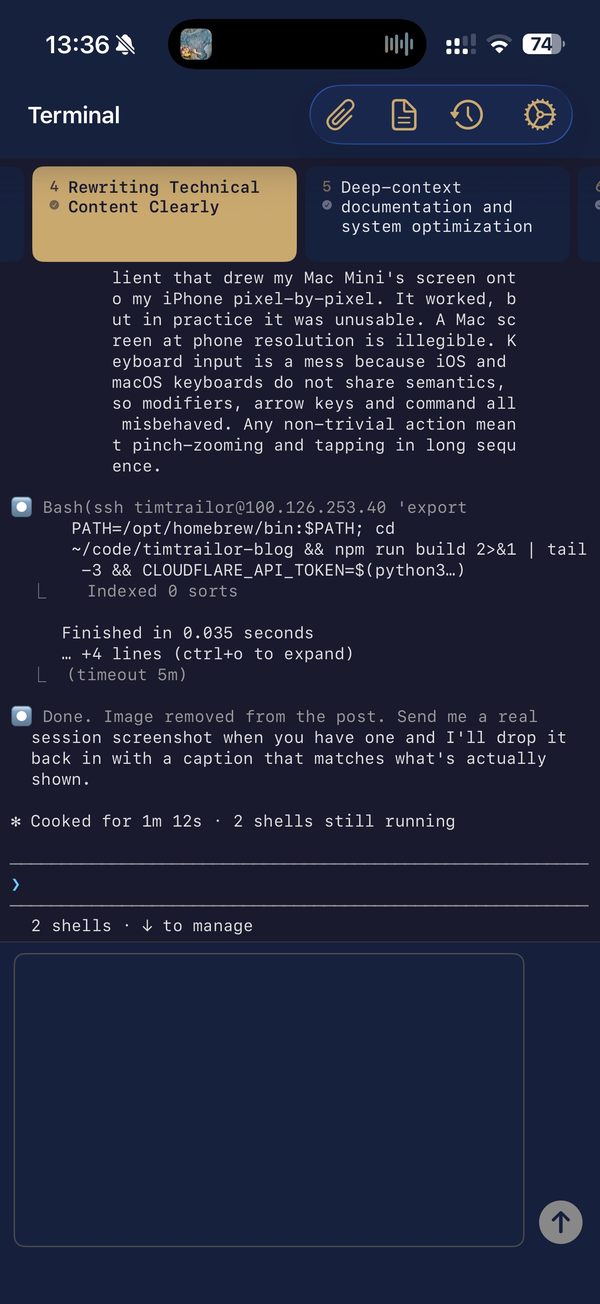
Stage 1: Remote desktop
The first version was a remote-desktop client that drew my Mac Mini’s screen onto my iPhone pixel-by-pixel. It worked, but in practice it was unusable. A Mac screen at phone resolution is illegible. Keyboard input is a mess because iOS and macOS keyboards do not share semantics, so modifiers, arrow keys and command all misbehaved. Any non-trivial action meant pinch-zooming and tapping in long sequence.
Remote desktop was the wrong approach for me, because what I wanted was access to the machine’s capabilities rather than a copy of its screen.
Stage 2: Secure Shell terminal applications
Drop the graphical layer entirely. I installed an SSH client on the phone, connected to the Mac Mini over Tailscale, a peer-to-peer mesh that makes my devices reachable from anywhere with little configuration, and ran the coding assistant in a terminal.
A real jump. SSH is a text-mode protocol designed for this: low bandwidth, high reliability, human readable. The phone keyboard became tolerable because the interface was plain text. The limiting factor moved from pixel density to connection resilience: every network change dropped the SSH session.
Mosh, an SSH replacement built for exactly this, fixed most of it. Walking out of the house mid-session and switching to cellular kept the session alive. The first version that worked for real work rather than checking-in.
Stage 3: Web wrapper
Stage 3 was a Flask app on the Mac Mini that exposed the coding assistant over the web. The phone opened the page, the page rendered the current session, and I could type from any browser without a separate SSH app.
I moved past it because web pages are not terminals. Rendering tool outputs, colour codes, structured responses and complex formatting in a browser without it feeling like a bad terminal is a real engineering project, and I was not building a bad terminal. State was fragile too: if the phone locked and unlocked, the connection often stalled and the tab needed refreshing.
I have not used it for months and do not plan to again. It is the stage I learned the most from and used the least.
Stage 4: Thin-client iOS application
Stage 4 was a native iOS app in Swift, connecting to the Mac Mini over Tailscale and rendering natively. This is the stage I was in for most of the time I built the systems described elsewhere on this site: a terminal that behaves like a terminal but looks like an iOS app, with big touch-friendly buttons, keyboard handling that respects the software keyboard, and no browser in the way.
Push notifications became possible here, because a native app can register with Apple Push Notification service and receive pushes in the background. That is how the system tells me when a long-running task finishes, a health check fails, or a printer needs attention. Before stage 4, the system could not interrupt me.
The iOS app is open source at github.com/timtrailor-hash/ClaudeCode. No hardcoded secrets, no personal configuration, so someone with their own Mac Mini and a Tailscale account could use it as-is.
Stage 5: Claude Remote-Control (tried and shelved)
Claude Code now has an official remote-control mode that exposes a session to a web front-end at claude.ai/code. I tried it, expecting it would replace stage 4. It did not.
The web interface was flaky in the same way my own web wrapper had been. Push notifications did not arrive reliably. The interactions I had built into my own app, like one-tap approvals and tab switching, were not there in a way I could match. For someone without an existing native client it might be the right starting point, but for me it was a step backward.
Stage 4 is still where I am.
The useful observation
The five stages matter less than what they made possible.
Every system on this site exists because I had time to build it, and I do not have time that is not also time with my kids, time at work, time commuting or time asleep. Building from my phone is the only reason the memory system, the hooks, the safety layers, the skills, the automation and the iOS apps exist. Had the constraint stayed at “I can only build at my desk”, most of them would never have been built.
I am wary of reading too much into this. Plenty of work needs a real keyboard, screen and chair: code that touches hardware, code that requires deep concentration, code that needs careful visual review. For that I still use the laptop or the Mac Mini. But the line between “I need a real computer” and “I need to make a judgement call and move on” has moved.
If you have young children and an interest in this kind of work: skip stages 1 to 3 and go straight to stage 4. Setup is an afternoon, and the links above are where to start.
Tailscale IPs for the devices in my setup are in the main post; the iOS app source is public. Start at stage 4 or 5 if you want to try this yourself.